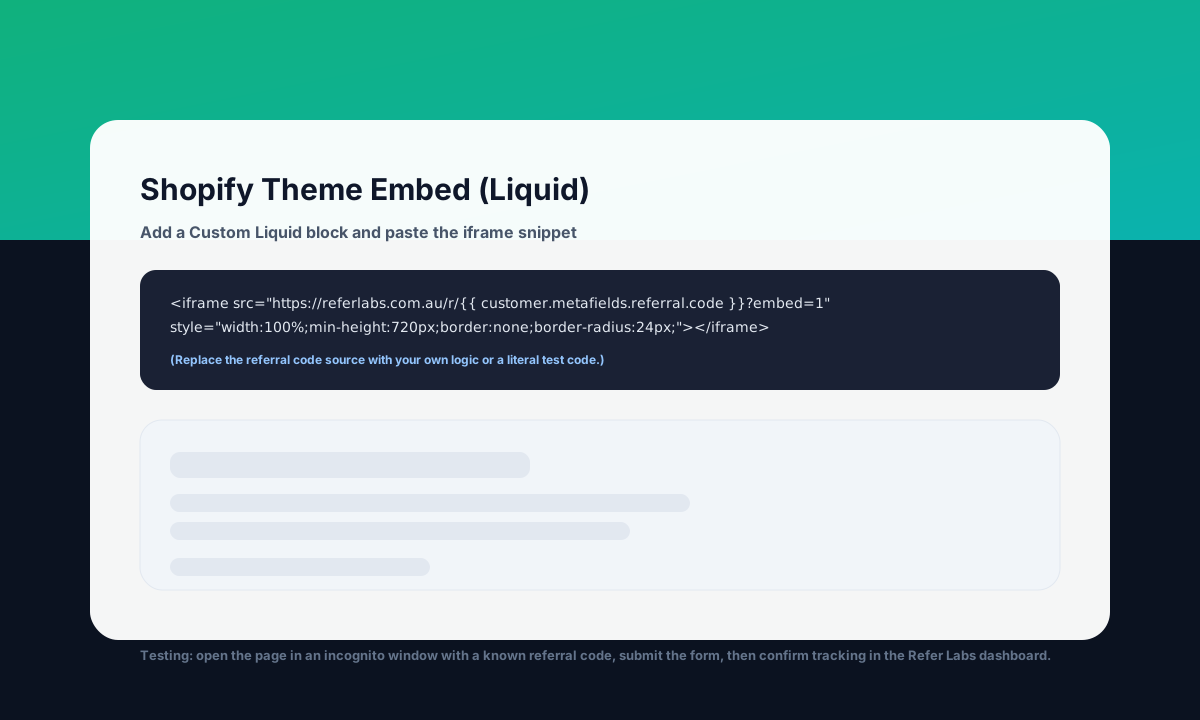
Shopify integration (embed + conversion capture)
Add your affiliate page to Shopify and verify tracking step-by-step as you onboard.
Step 1 - Embed the affiliate page
Add a dedicated page (recommended) or embed in an existing landing page.
- Shopify Admin → Online Store → Themes → Customize
- Open the page/template you want to embed in
- Add block: Custom liquid
- Paste the iframe snippet and save
Iframe embed (use a test code first)
<iframe
  src="https://referlabs.com.au/r/AMBCODE?embed=1"
  title="Referral reward"
  style="width:100%;min-height:720px;border:none;border-radius:24px;overflow:hidden;"
></iframe>
Replace AMBCODE with a real ambassador affiliate code to test, then automate how you render each customer’s code.
Step 2 - Capture conversions
Conversions appear in your dashboard when you report discount code usage to Refer Labs.
If your store uses Checkout Extensibility (no order status scripts), follow /shopify/checkout-extensibility.
Option A - Order status page script (legacy)
Works on stores that still allow additional scripts. If your store uses Checkout Extensibility, use Option B.
{% if checkout.discount_code %}
<script>
fetch("https://referlabs.com.au/api/discount-codes/redeem", {
  method: "POST",
  headers: {
    "Content-Type": "application/json",
    "x-pepf-discount-secret": "<ADD_SECRET>"
  },
  body: JSON.stringify({
    discountCode: "{{ checkout.discount_code.code }}",
    orderReference: "{{ order.name }}",
    amount: {{ order.total_price | json }},
    metadata: { email: "{{ checkout.email }}", platform: "shopify" }
  })
});
</script>
{% endif %}
Replace <ADD_SECRET> with your Discount Capture Secret.
Option B - Shopify webhooks (recommended)
Trigger a webhook on “Order paid/fulfilled” to your server, then call the same Refer Labs endpoint from your server using the secret.
POST https://referlabs.com.au/api/discount-codes/redeem
Headers:
  Content-Type: application/json
  x-pepf-discount-secret: <ADD_SECRET>
Body:
{
  "discountCode": "CODE_FROM_ORDER",
  "orderReference": "ORDER-12345",
  "amount": "199.00",
  "metadata": { "platform": "shopify" }
}
Testing checkpoints (do these in order)
- Create a test ambassador in the dashboard (Quick Add) and copy their affiliate code + discount code.
- Open your Shopify page in an incognito window using
/r/AMBCODEand confirm the page loads. - Submit the affiliate form and confirm the signup appears in the dashboard (Journey timeline).
- Place a test order using the discount code and confirm the redemption appears in the dashboard (with the correct ambassador attribution).
- Re-run the Status page checks if anything doesn’t appear.
Preview
Example of embedding the affiliate iframe inside Shopify’s theme editor.